Bloomsheet is a private data-analysis app for iPad and Mac. It opens the spreadsheet files people already use, helps them explore patterns and build clear charts, and keeps core analysis on device so the evidence stays close and the data stays private.
 Bloomsheet
Bloomsheet press kit
The spreadsheet has a story. Bloomsheet finds the pattern.
Product facts, ready-to-use descriptions and original brand assets for writing about Bloomsheet, the private data-analysis app for iPad and Mac.
PRESS KIT · 2026 Bloomsheet
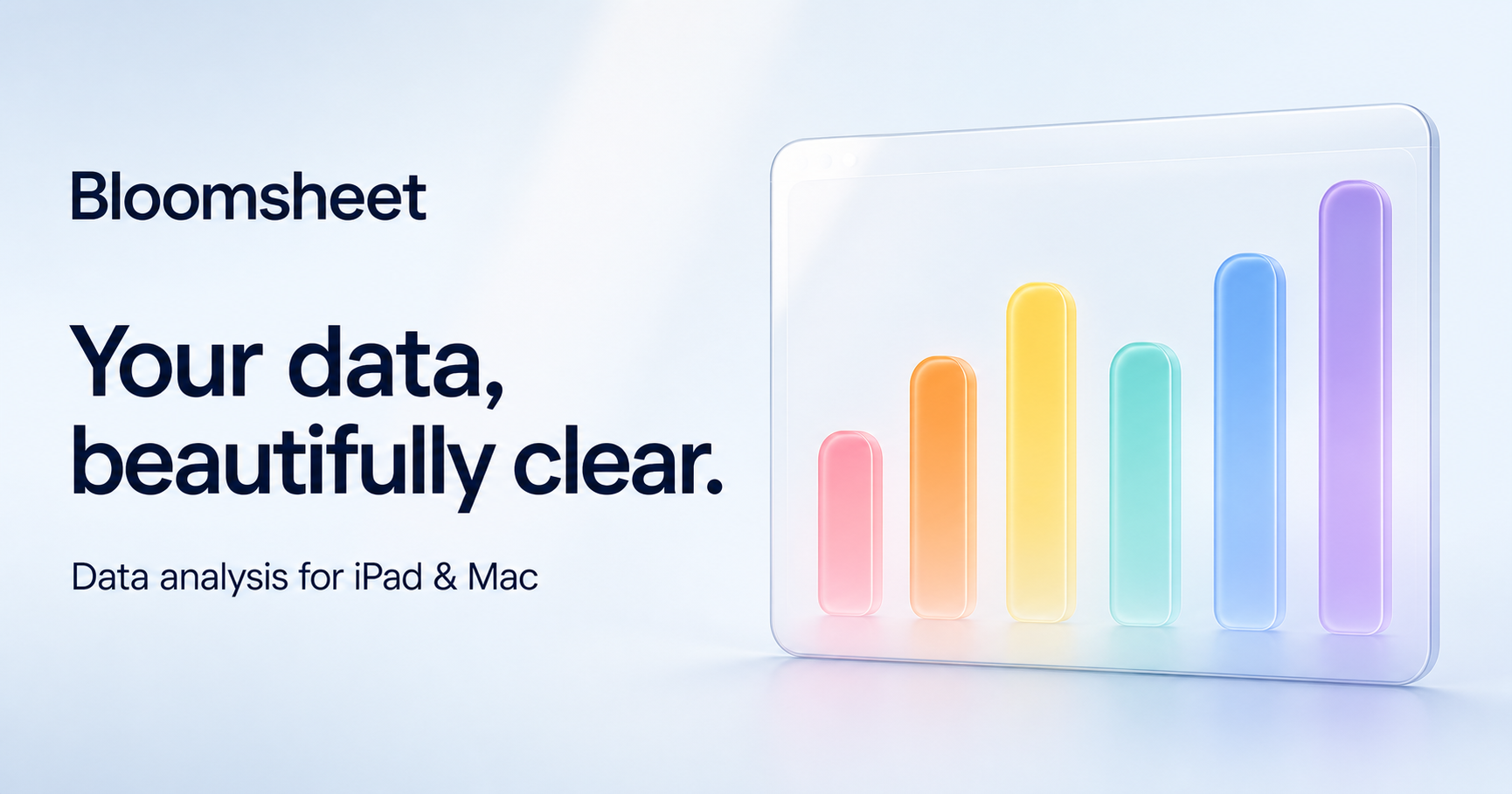
BloomsheetYour data, beautifully clear.
iPadMacOn-device
At a glance
Product facts.
- Product
- Bloomsheet
- Developer
- Saku Studio
- Platforms
- iPad and Mac
- Version
- 1.0
- File support
- CSV, TSV, text, Excel (.xlsx, .xlsm) and Apple Numbers (.numbers)
- Privacy
- Core analysis runs on device. No Bloomsheet account, ads or third-party analytics.
Copy-ready
About Bloomsheet.
Bloomsheet helps people turn everyday spreadsheets into answers they can understand and share. It imports CSV, TSV, Excel and Apple Numbers files, then lets users explore ranking, trends, comparisons, distributions, relationships, data quality and missing values through visual, inspectable findings. Charts, statistical tools and polished exports complete the workflow. Bloomsheet is made by Saku Studio for iPad and Mac, with core analysis running on device and no Bloomsheet account or advertising.
Key capabilities
What makes it useful.
Explore Patterns
Ask about ranking, trends, comparisons, distributions, relationships, data quality and missing values.
Inspectable answers
See the values, visual evidence and calculation details behind a finding.
Flexible import
Open the spreadsheet formats people already use, including Apple Numbers documents.
Charts and analysis
Build presentation-ready charts or use guided statistical tests when the question needs more evidence.
Private by design
Datasets, saved charts and core analysis stay in the app’s local workspace.
Made for Apple platforms
A focused SwiftUI experience designed for touch on iPad and pointer-based work on Mac.
Brand assets
Original artwork.
Please use the supplied files without recoloring, cropping or placing text over the app icon.
Media contact
Need another format or more context?
For review questions, interviews or additional assets, contact Saku Studio directly.
developer@sakustudio.nl